This doc is intended for users that are manually storing a connection string in an environment variable in Netlify. If you want to use the Netlify integration, which handles this for you, see the PlanetScale integration in the Netlify docs.
Prerequisites
- A PlanetScale database — If you haven’t created a database, refer to our PlanetScale quickstart guide to get started
- A Netlify account
- A project deployed to Netlify — If you’re just poking around and don’t already have an application to deploy, you can use our Next.js + PlanetScale sample
Connecting your PlanetScale database to your Netlify application
Get your connection string from PlanetScale
In your PlanetScale dashboard, click on the database you want to connect to.
Select the framework you’re using from the “Select your language or framework” section. This will give you the exact environment variable names you need for your selected framework. If your framework is not listed, choose “Other”.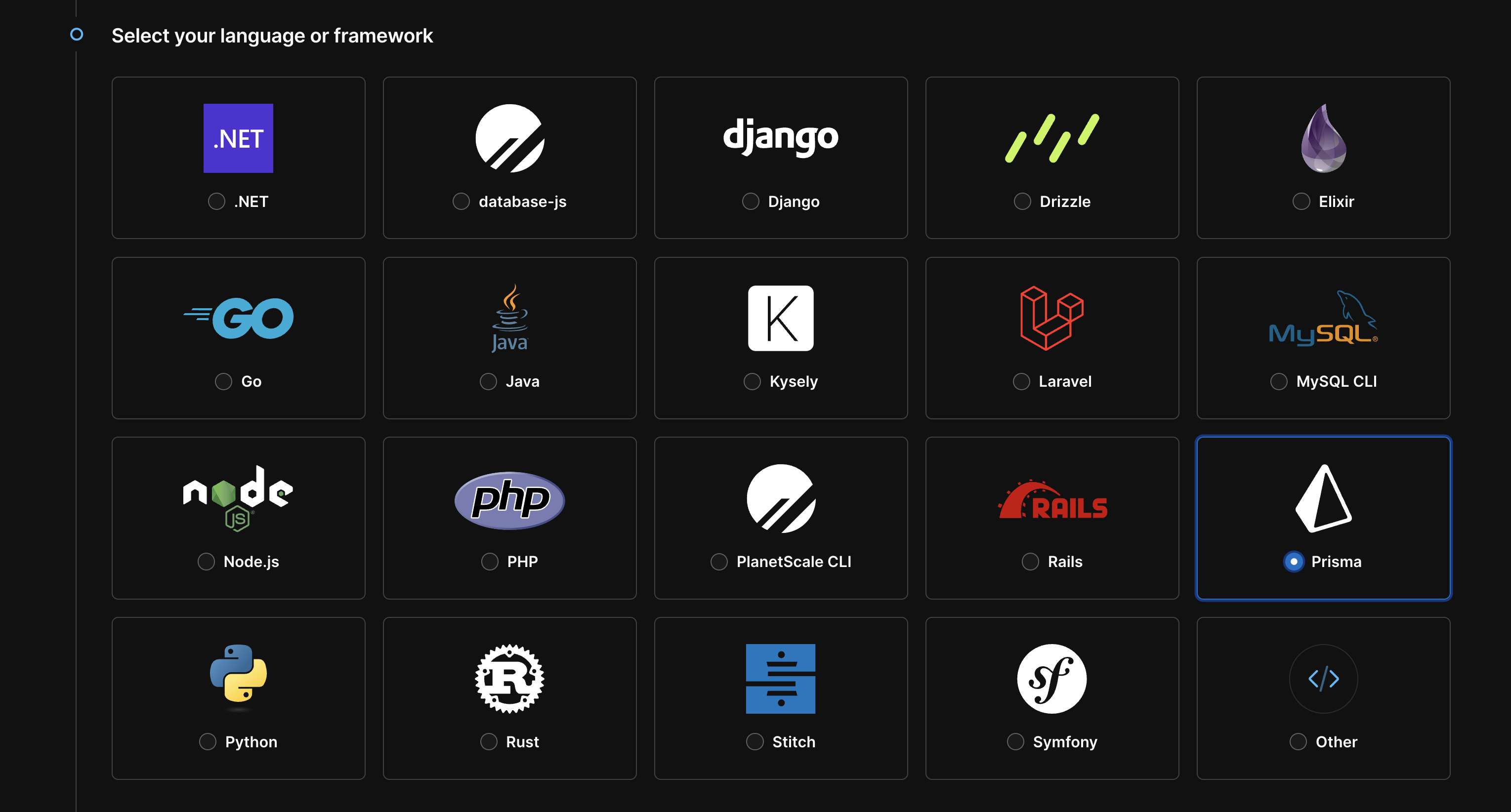
Copy environment variables to Netlify
For example, if you’re using Prisma, your connection string will look similar to this:
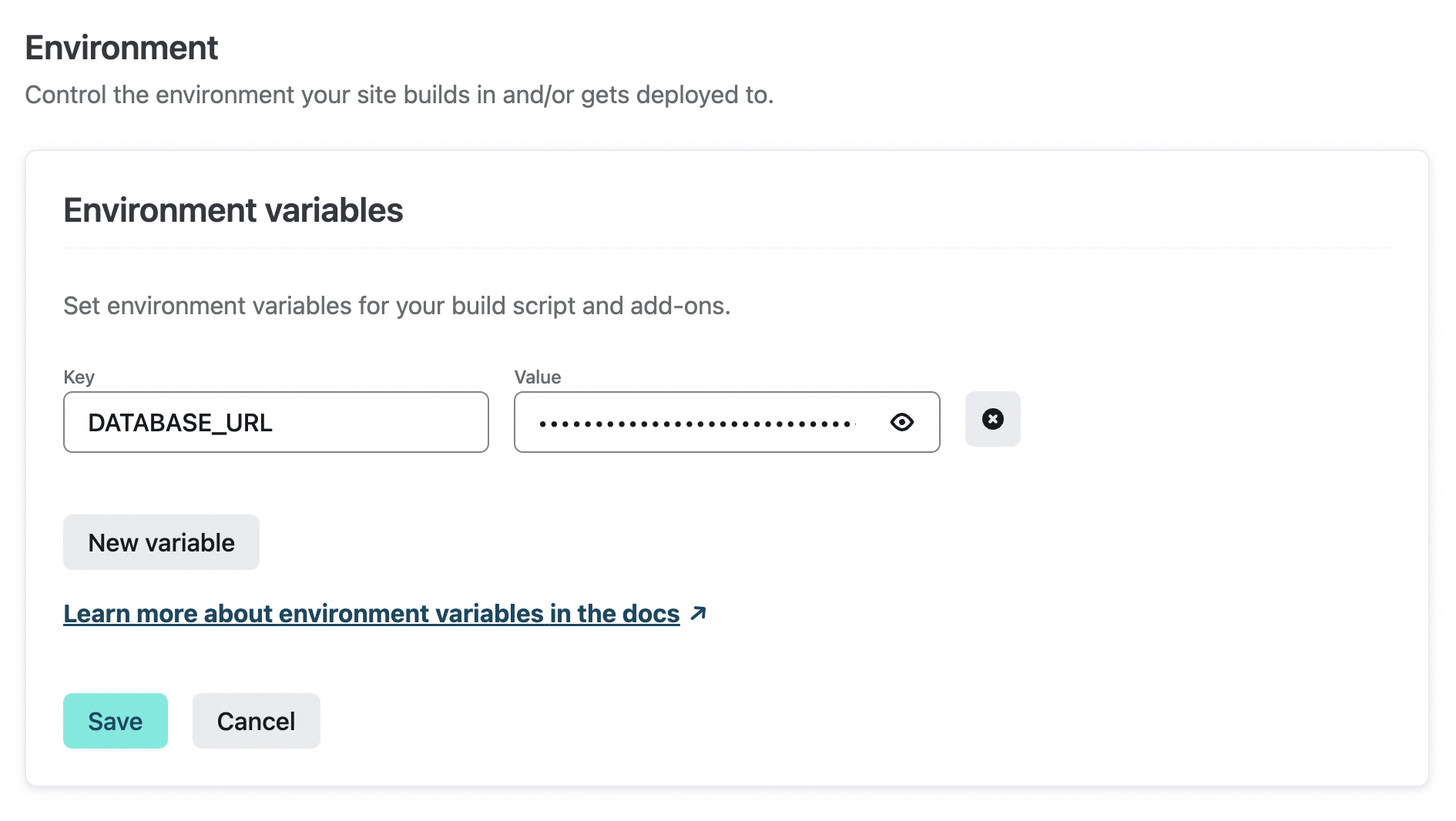
Your environment variable name will be the same in your application’s code. We used
DATABASE_URL as an example, but this can be given a different name.- Key =
DATABASE_URL - Value =
mysql://xxxxxxxxx:************@xxxxxxxxxx.us-east-3.psdb.cloud/my-database?sslaccept=strict
The credentials are blurred for the example, but when you paste them in, use the actual values.